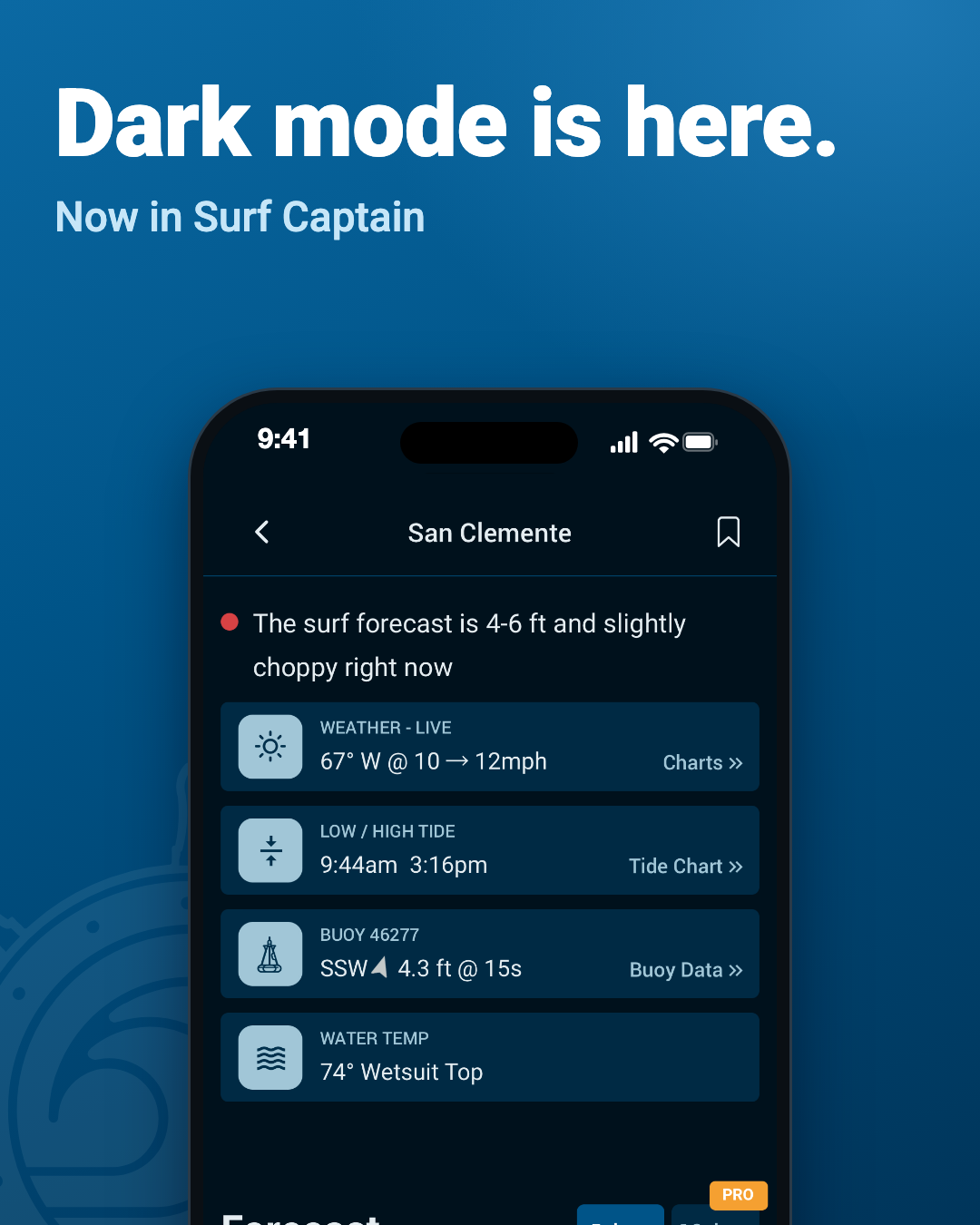
Surf Captain now has dark mode. Check the surf before sunrise or after dark without a bright white screen in your face.
What's new
A dark theme throughout. The forecast, Nearby list and Favorites, forecast details, buoy data, alerts, and your account screens all have a dark look. The surf condition colors (clean, fair, choppy) stay the same, so you read the forecast exactly as before.
It follows your phone, or you choose. By default Surf Captain matches your device, so if your phone or computer is set to dark, Surf Captain is too. To pick for yourself, go to Account > Theme in the app and choose Match my device, Light or Dark. Signed in, your choice follows your account.
Why we did it
Dark mode is easier on the eyes, and many people simply prefer it, especially at night. So we added it, and you choose what works best for you.
Get it
Open surfcaptain.com, or update the app from the App Store or Google Play. If your phone is already in dark mode, you will see a quick note the first time you open the app, with a choice to keep dark or switch to light.